



Newsletter
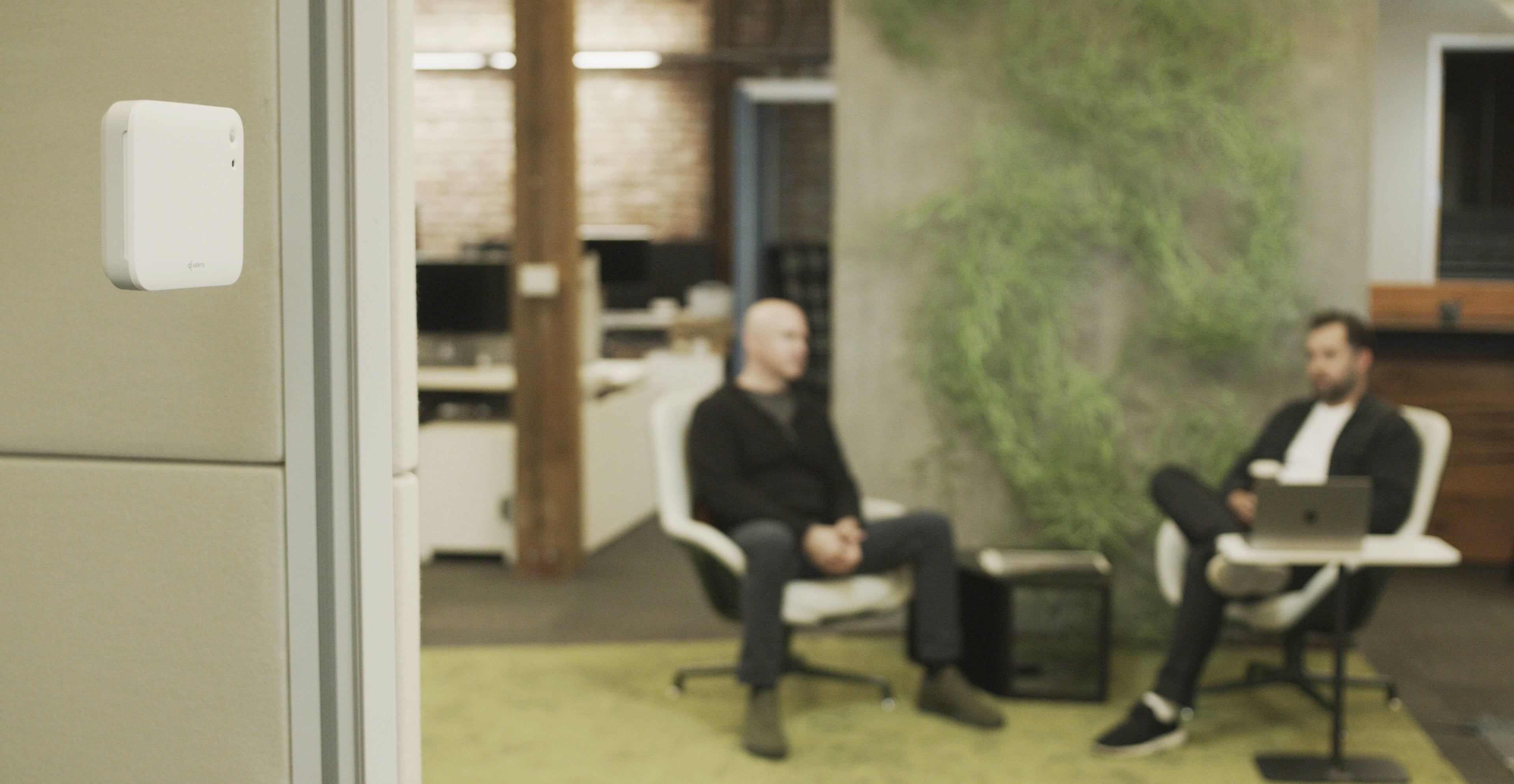
If your employer has installed sound sensors around your office, you might be wondering what they'll be used for, and whether they affect your privacy. Both are understandable questions, and the short answer is that it depends on the sensor: if it's built to never record speech or save audio, your employer can only see how a room sounds, but not what anyone said.
In this article, we’ll explain why more workplaces are monitoring sound, what data a sound sensor collects, whether it can record your conversations, and what to ask about workplace noise monitoring privacy.
Why Is My Employer Monitoring Sound in the Office?
Employers monitor sound to find and fix noise problems, since noise is the most common complaint people have about their offices. A UC Berkeley Center for the Built Environment study of more than 62,000 office occupants found 54% were dissatisfied with acoustics, more than with any other aspect of indoor environmental quality (IEQ). People talking and a lack of speech privacy were among the top complaints.
Noise doesn't just make an office feel distracting and annoying; it also has significant, measurable impacts on your health, well-being, and productivity. Just like any other aspect of the indoor environment, such as air quality, it's impossible to fix something you don't measure.
Without data, there's no way to know whether a focus area stays quiet enough to work in, or whether new acoustic panels made a difference. If your employer is working toward acoustic comfort, they need continuous sound data to see whether each space supports the work you do there, from focused tasks to calls and collaboration, throughout the day.
What Data Does a Workplace Sound Monitor Collect?
It depends on the sensor: some measure only loudness in decibels, while others also track how much the sound level fluctuates and which frequencies make up the sound. Unlike a handheld decibel meter, which gives a one-time loudness check, a continuous sound monitor tracks how a space sounds throughout the day, so problems that come and go don't get missed.
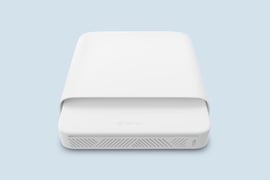
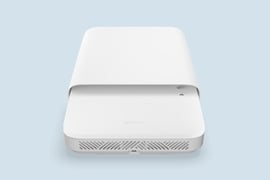
The specific parameters vary by device. At Kaiterra, our sound sensor measures the three aspects of sound that shape acoustic comfort:
- Sound level: How loud a space is on average and at its loudest moments. Spaces meant for focus need a lower level than a lively lounge or cafeteria. Sound level measurements show whether a quiet zone actually stays quiet throughout the day.
- Variability: How much the level swings between quiet and busy. A coffee shop can be loud but steady, while a quiet room with sudden spikes, like a burst of laughter or a slammed door, can be much harder to concentrate in.
- Frequency: How sound is spread across low, mid, and high pitches. This points to the likely cause of disruptive noise, like HVAC rumble or an equipment whine, so it can be fixed directly at the source.
You need all of this data together to understand how a space actually sounds to the people working in it, since two rooms with the same average level can feel completely different.
Can a Workplace Sound Sensor Record My Conversations?
Whether a sound sensor can record your conversations depends on the privacy measures built into it. Every sound sensor contains a microphone, since that is the necessary first step for measuring sound, but how much it is recording and what happens to the audio after that varies from one device to the next. A well-designed sensor only ever gives your employer the room’s sound data, never a clip of who was talking and what was talked about.
A common approach is to convert sound into measurements on the device itself, rather than sending raw audio to a server or the cloud. That keeps audio from traveling, which reduces in-transit security risks, but on its own it doesn’t rule out all possible risks. Whether a workplace sound sensor could still be turned into a recording device comes down to a few other factors:
- How long the microphone listens
- Whether that can be changed once it’s installed
- How audio is stored or sent once it’s captured
- Whether anyone can access or configure the device remotely
Securing each of these takes its own safeguard. At Kaiterra, we use a four-layer approach:
- The microphone listens for just 87 milliseconds each second, a limit fixed in the hardware. That listening window is far too brief to capture a word, let alone a conversation.
- Audio is turned into measurements on the sensor itself, then deleted right away. No audio files are stored or sent anywhere.
- The sensor’s software is locked at the factory, so it can’t be updated or changed, remotely or in person, even by us. This means that nobody has the means to change how the sensor is behaving, whether it’s the listening window or how audio files are managed.
- The data it sends to the monitor and cloud is encrypted and secured, like every other Kaiterra device. These measures ensure device-level and cloud-level security to protect the entire system and your data, not just sound.
With safeguards like these, your employer can see how a room sounds, but never hear what anyone said.
Airbnb drew the same line between measuring sound and recording it in 2024. It banned indoor security cameras in listings worldwide but still allows noise decibel monitors in common spaces, as long as hosts disclose them. Its current rules define these as devices that "assess sound levels and their duration but do not record audio," while any device that records or transmits audio is banned from monitoring the inside of the home.
6 Questions to Ask About Workplace Noise Monitoring Privacy
If sound sensors have been installed in your workplace, you deserve to know whether your conversations are kept private. Ask these six questions to understand how the sensor handles sound, and whether privacy was built into its design:
- Is the microphone always on, or does it only listen in short bursts, and is that timing locked?
- Is sound converted into data on the sensor, or is raw audio sent to the monitor, a server, or the cloud first?
- Does the sensor ever save audio, even temporarily?
- Who has permission to update the device’s software, and could that change what it picks up?
- What exactly does the sensor send out, and how is that data protected?
- If someone hacked the device or its cloud account, could they use it to record?
Each of these questions should have a clear, definitive answer. Vague or missing answers may indicate that privacy isn't fully ensured by the sensor's design. You can also review the device's spec sheet and security documentation yourself to confirm the details.
Where Can I Learn More About Sound Sensor Privacy?
At Kaiterra, we believe that transparency is crucial when it comes to monitoring sound in the office. If you want to learn more about why every sound sensor has to use a microphone, and what it takes to secure one, read our guide about measuring workplace sound securely. Or, if you want to know more about how Kaiterra ensures privacy with our sound sensor, read more about our approach to continuous sound monitoring.